

AI in the Browser: Running an LLM and Voice Synthesis with Zero Server Calls
After removing image backgrounds in the browser with WebAssembly, I wanted to see what else we can run locally. Here are live interactive demos for on-device LLM text generation and voice synthesis.
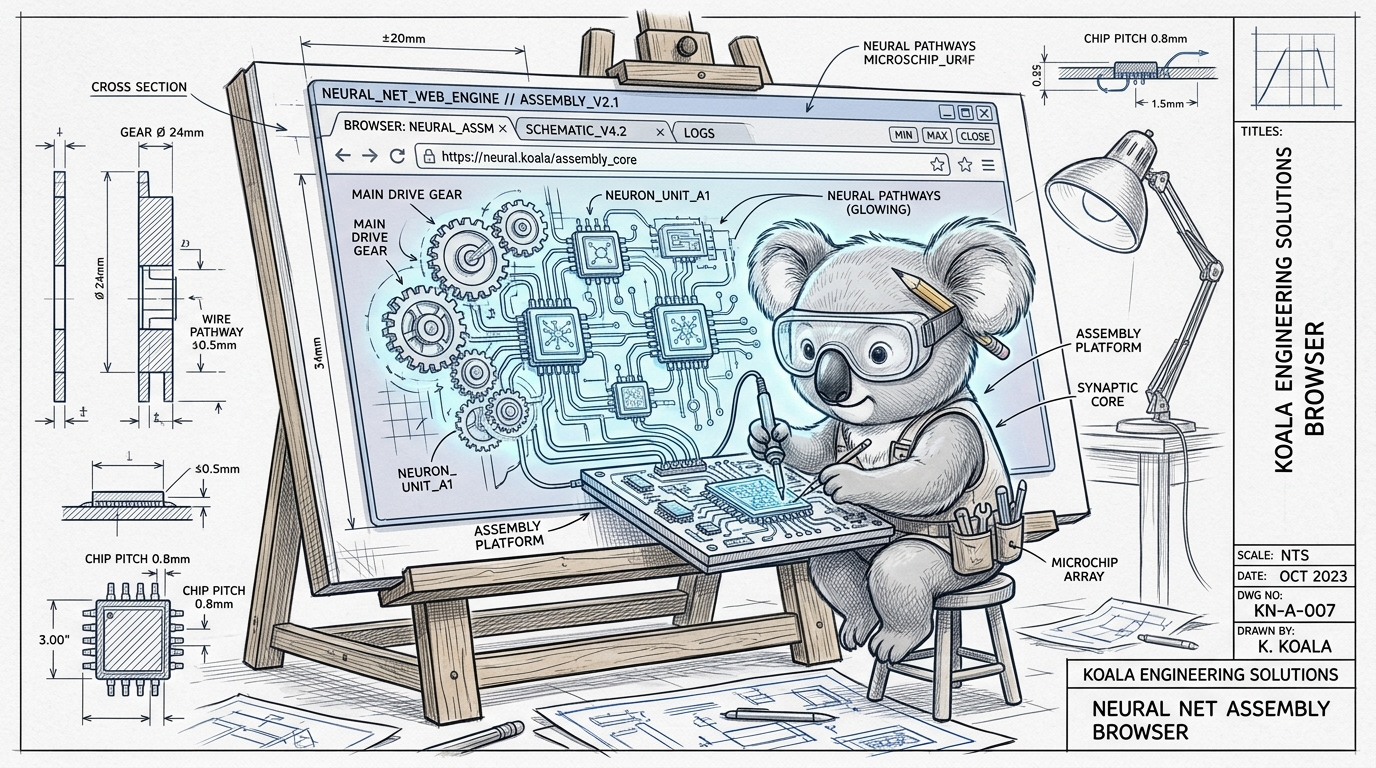
In my previous post on removing image backgrounds, we used WebAssembly to isolate photos directly inside the browser.
No backend server, no API tokens, and zero data leaving the computer.
That got me thinking: what other cool things can we run right inside a browser tab?
Apparently, there are quite a few things we can do.
I wanted to see if I could get a tiny conversational LLM and a voice synthesizer working right here on this page, without relying on any external AI cloud API.
NOTE
Privacy & Cache Notice: The models run 100% locally on your device. To be respectful of your storage, each demo shows the exact download size upfront, and there is a 1-click Purge Cache button right in the toolbar so you can delete all model files when you’re done playing with them.
What Am I Testing Here?
1. In-Browser Large Language Models
I didn’t want to load a giant 7-billion parameter model that would crash your browser tab or take 10 minutes to download.
Instead, you can test a few lightweight models directly in the interactive block below:
- Qwen 2.5 (500M / ~390 MB): Noticeably smarter, follows instructions, and actually gives coherent answers.
- SmolLM2 (360M / ~200 MB): A nice middle ground between speed and download size.
- SmolLM2 (135M / ~100 MB): The ultra-featherweight option. Downloads in seconds, but can be hilariously unhinged at times.
Having an actual language model generating text entirely offline inside a browser tab is pretty wild to see in action.
2. Synthesizing Voices from Text (Kokoro & SpeechT5)
Browsers have had window.speechSynthesis for a long time, but it usually sounds robotic and depends on whatever voices your operating system happens to have installed.
In the interactive block below, you can synthesize audio directly using on-device neural models:
- Kokoro-82M (~90 MB) [Recommended]: State-of-the-art open-weights TTS model. The voice quality is remarkably lifelike, with realistic intonation, pauses, and natural cadence. You can pick between multiple male and female personas (Heart, Bella, Nicole, Adam, Michael, Emma, George).
- SpeechT5 (~35 MB): A lightweight classic acoustic model. Super fast to download and great for testing quick on-device speech synthesis across different speaker embeddings.
Both models run directly inside your browser tab without sending a single byte of your text to an external server:
3. What About Generating Images?
I also looked into generating images directly in the browser, but right now image models are just way too heavy for real usage.
How Does This Work in Plain English?
Modern browsers can run these models thanks to two main building blocks:
- WebAssembly (WASM): Runs compiled C/C++ runtimes directly in the browser.
- WebGPU: Allows JavaScript to tap into your computer’s graphics card to do the heavy math instead of melting your CPU.
All of this is glued together by Transformers.js, which lets you load and run models with just a few lines of JavaScript:
import { pipeline } from '@huggingface/transformers';

// Run model directly on the user's device
const generator = await pipeline('text-generation', 'HuggingFaceTB/SmolLM2-135M-Instruct', {
  dtype: 'q4',
  device: 'webgpu'
});

const output = await generator('Tell me a programming joke', { max_new_tokens: 60 });
Cleaning Up Your Storage
When you try the demos above, your browser caches the downloaded model weights in its local storage so you don’t have to re-download them every time.
If you want your disk space back:
- Just click the red “Purge Cache” button in the playground above.
- It will instantly wipe all model caches from your browser and reset local storage to 0 MB.
Have fun playing with the demos!
In-Browser Language Model
Run offline conversational text generation in your browser tab via WebGPU / WASM.
Qwen 2.5 (500M) - Noticeably smarter reasoning, follows instructions, and gives coherent answers.
In-Browser Neural Voice Synthesizer
Generate natural speech locally in your browser memory with zero server latency.
Kokoro: State-of-the-art 82M model with lifelike human inflections & emotion.
Select from female or male voices with different regional accents.